How to Exclude Code Tags When Translating a Full Page with DeepL
When you translate a whole page with the DeepL Chrome extension, code tags get translated too and their line breaks get messed up. With Tampermonkey you can add the translate="no" attribute to mark parts of the page that should be skipped during translation. This post explains how.
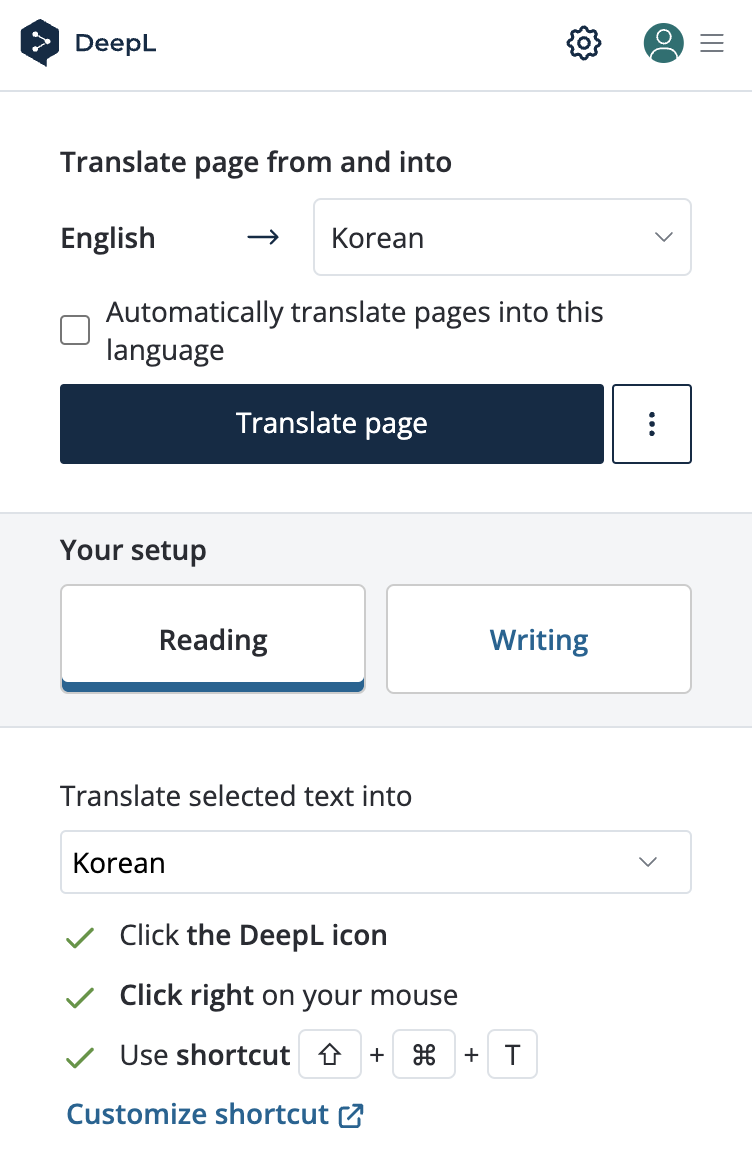
The problem with the DeepL Chrome extension
Since DeepL started accepting payments from Korea, I went from translating small selected parts at a time to translating whole web pages at once.
But as I kept using it, whenever I opened a document containing code, it would needlessly translate the code area and break the code's formatting. (Sometimes the formatting breaks and sometimes it doesn't.)
To fix this I looked for a way to keep code tags from being translated, and found an article saying that with Google Translate,
if you add the translate="no" attribute to an HTML tag you don't want translated, or add notranslate to its class attribute,
that element is skipped during translation. 1
I wasn't sure DeepL would support it too, but it turns out translate is part of the W3C standard, so it seemed likely. 2
Fixing it with Tampermonkey
I was wondering whether I had to build and install my own Chrome extension... which I really didn't want to do, when I found a post by someone who had the same problem and solved it. (It's written in Japanese. You can just read it translated with DeepL, right?) 3
Tampermonkey is an extension that injects and runs JavaScript on the pages you open in your browser. Without building a Chrome extension, it lets you run a simple script on every page you open (or only on the sites and pages you choose).
Installing and setting up Tampermonkey
Install it from the Chrome Web Store: https://chrome.google.com/webstore/detail/tampermonkey/dhdgffkkebhmkfjojejmpbldmpobfkfo
After installing, choose Create a new script... and a code editor opens. Edit it to look like the code below.
Make sure to change the @match line so the script runs on every page.
// ==UserScript==
// @name         Codetag notranslate
// @namespace    http://tampermonkey.net/
// @version      0.1
// @description  add notranslate class to code related tags
// @author       You
// @match        *://*/*
// @icon         https://www.google.com/s2/favicons?sz=64&domain=tampermonkey.net
// @grant        none
// ==/UserScript==

(function() {
    'use strict';

    // Your code here...
    var codeTags = document.getElementsByTagName('code');
    for (const code of codeTags) {
        code.classList.add('notranslate');
        code.setAttribute("translate","no");
    }
    var preTags = document.getElementsByTagName('pre');
    for (const pre of preTags) {
        pre.classList.add('notranslate');
        pre.setAttribute("translate","no");
    }
    console.log('[CODE] notranslate');
})();
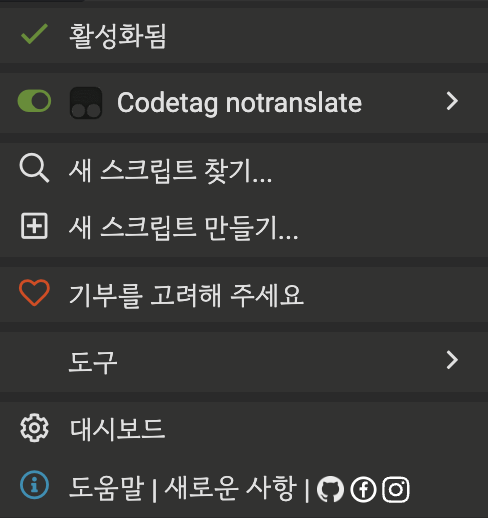
After you save it, a menu item with the name you entered in the @name field will appear. Enable it,
then go to other pages and translate the whole page — you'll see that the code parts are left out of the translation.
How it worked out
At first I only added the attributes to code tags, but the translation often ignored them,
so just in case I added them to pre tags as well, and after that I could confirm the code parts were almost always left untranslated.